

How The Internet Works
How the Internet Works: A Step-by-Step Overview
Search for a command to run...
How the Internet Works: A Step-by-Step Overview
No comments yet. Be the first to comment.
Loops are one of the most fundamental concepts in programming. They allow you to repeat a block of code multiple times without having to write it over and over again. Let's dive deep into Python's two main types of loops: for loops and while loops. ...

What is Git? Introduction to Git Git is a popular version control system used widely by developers and teams for tracking changes in code. Created by Linus Torvalds in 2005 and currently maintained by Junio Hamano, Git helps manage and collaborate o...
Table of Contents Introduction to Lists Working with Lists Introduction to Tuples Working with Tuples Lists vs Tuples Exercises Final Project 1. Introduction to Lists A list is a collection of items in Python that is ordered, changeable (mu...

Your roadmap from beginner to job-ready in AI and Machine Learning Introduction: Why Now Is the Perfect Time to Enter AI Artificial Intelligence and Machine Learning are no longer futuristic concepts—they're reshaping every industry right now. From...

What is CSS CSS is one of those foundational skills every serious front-end developer must master. As someone actively sharpening my craft through The AI Academy, this course didn’t just teach me syntax — it reshaped the way I think about design, str...
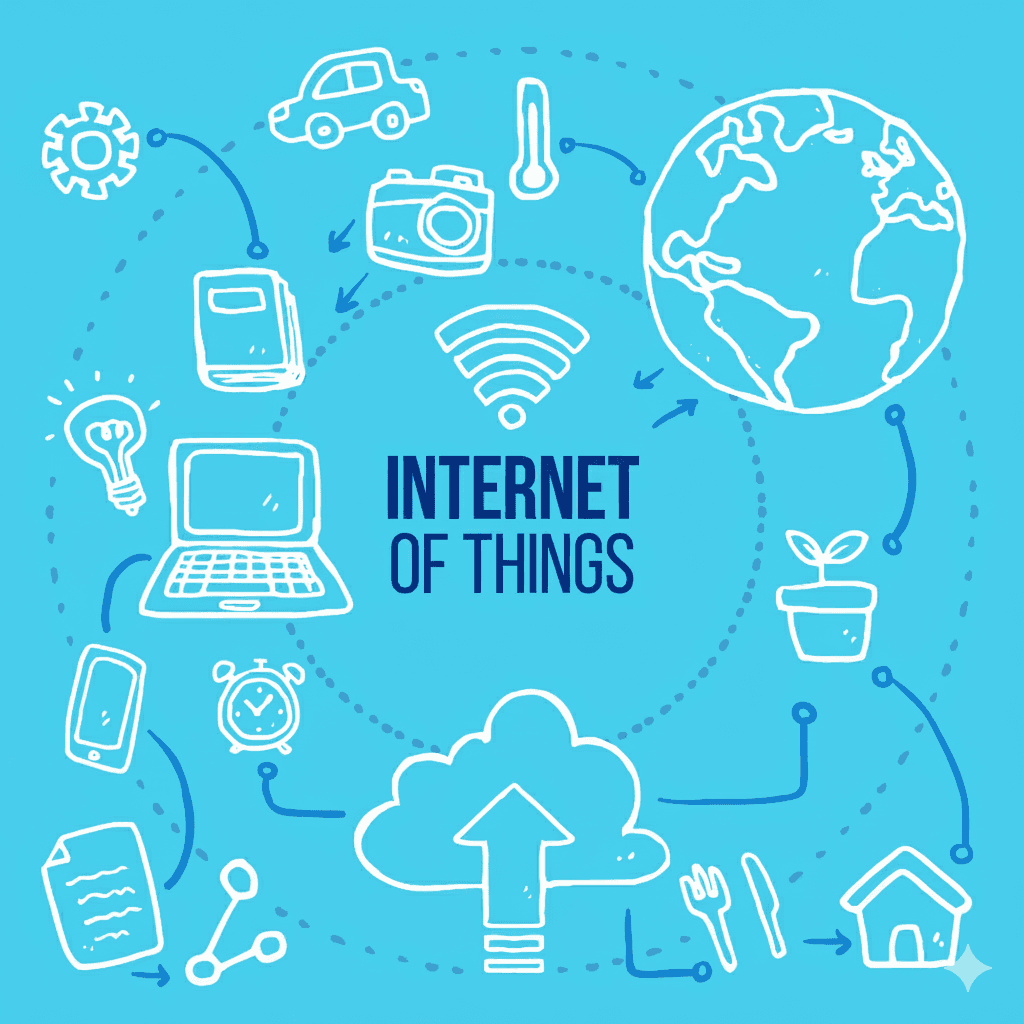
The internet feels almost magical. With just a click, you can send a message across the globe, stream a movie, or attend a live meeting. But behind this magic are devices, cables, and systems working together to make communication possible. Let’s break it down step by step in a way everyone can understand.
A switch is like the traffic director for computers in the same environment—your office, house, or any local space. If you have multiple computers and want them to communicate, you’ll likely need a switch.
How computers connect through a switch: Cables.
Switches support both copper cables (traditional) and fiber optic cables (faster and more modern).
Simply put: the switch lets devices inside the same local area talk to each other.
Think of it like this:
Switch: Uses cables to connect computers into a local network.
Access Point: Uses wireless signals (Wi-Fi) to connect devices like laptops and smartphones without cables.
So, while a switch is all about wires, an access point gives you freedom from them.
Packets Or Frames
When computers send information, they don’t send it all at once. Data is broken into small units called packets (sometimes called frames ).
Example: If PC1 wants to message PC6, the message is split into packets.
The switch receives the packet, checks where it’s going, and forwards it correctly.
If the packet needs to leave your local network and go online, it heads to the router.
Here’s the flow:
Inside the LAN: The switch handles communication between local devices (PC1 talking to PC5).
To the Internet: A router is the “exit door” that takes packets outside your local network.
Through the ISP: Your Internet Service Provider (ISP) supplies the actual connection (via cable, fiber, or wireless). Think of them as the utility company for your internet.
Imagine your office as a building:
• The switch manages communication between rooms.
• The router is the front door leading outside.
• The ISP is the road that connects your building to the rest of the world.
Here’s a fact that surprises most people:
• 95–99% of international internet traffic travels through undersea fiber-optic cables (submarine cables).
• Satellites handle only 1–2%, mainly for remote areas.
So when you’re making a WhatsApp call to someone on another continent or watching a live stream from abroad, chances are your data is zipping through cables lying on the ocean floor, not bouncing off a satellite.
The most accurate (bookish) definition is:
The internet is a network of networks.
It’s billions of smaller networks—homes, schools, offices—all connected together, forming one massive system that lets the world communicate.
Final Thoughts
Understanding switches, access points, packets, routers, ISPs, and submarine cables helps you see that the internet isn’t magic—it’s infrastructure. It’s a vast system built on cables, devices, and agreements between providers.
WANT TO LEARN IT ALL? Go to The AI Academy
They offer courses that helps you master digital skills using AI, build real projects and understanding concepts.
So the next time you send an email, stream a video, or chat with someone abroad, remember: your message isn’t flying through space—it’s probably racing across a fiber-optic cable at the bottom of the ocean!